

What Is the Thames & Kosmos Robotics Workshop Python Kit?
The Thames & Kosmos Robotics Workshop Python is a comprehensive STEM education kit designed to teach coding and robotics fundamentals through hands-on learning. This kit combines physical robot construction with Python programming, allowing students to build functional robots and control them using real code. Released as an updated version for 2026, it bridges the gap between theoretical computer science and practical engineering. The kit includes modular robot components, detailed instruction manuals, and access to online coding tutorials. Students aged 10 and up can begin learning fundamental programming concepts while assembling and testing their own robotic systems. The integration of Python—one of the world’s most popular programming languages—makes this kit particularly valuable for students preparing for advanced STEM careers.
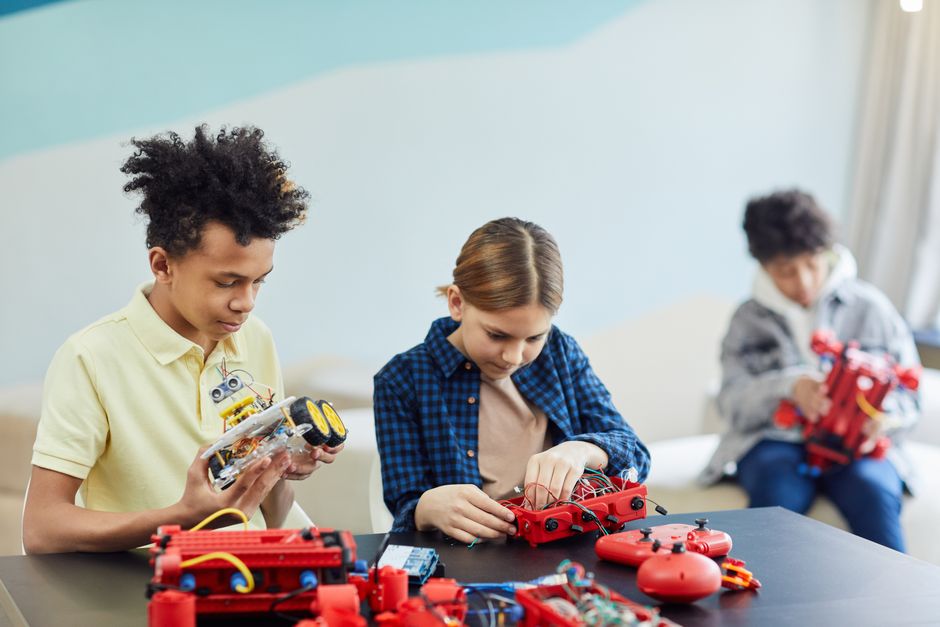
Thames & Kosmos has established itself as a trusted name in educational robotics since the 1990s. The company focuses on creating kits that make complex concepts accessible and engaging. Their Robotics Workshop Python line represents the latest evolution in hands-on STEM education, combining traditional building with modern coding practices.
Key Takeaway: Thames & Kosmos Robotics Workshop Python offers an integrated platform for learning both hardware engineering and software development in 2026.
What Components Come Inside the Thames & Kosmos Robotics Workshop Python Kit?
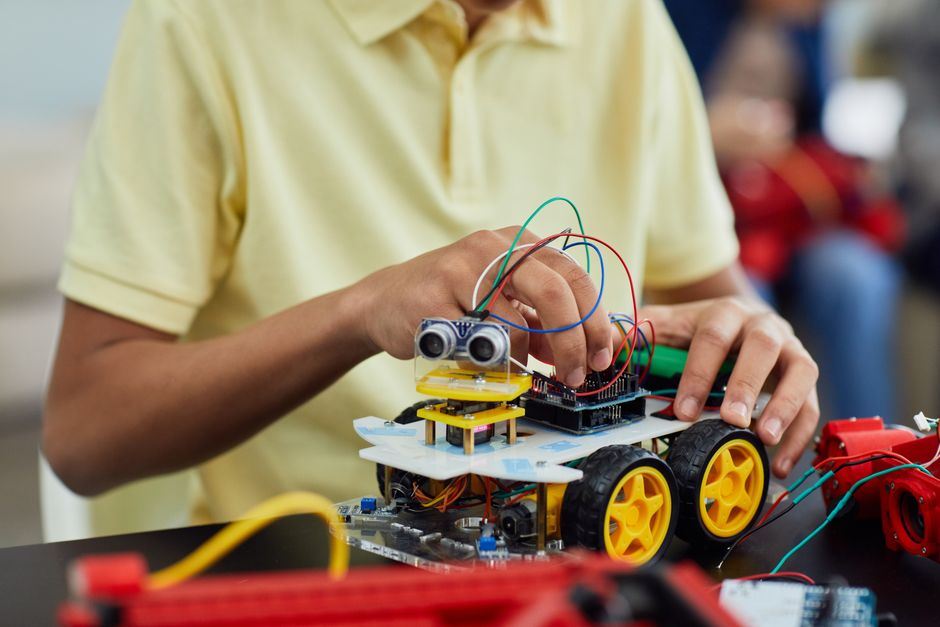
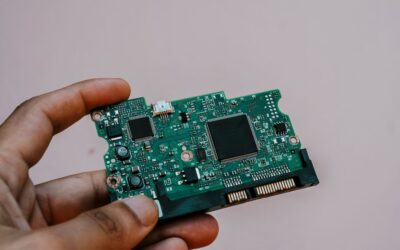
The kit includes everything needed to build multiple robot configurations. Students receive motors, sensors, structural components, and a control board compatible with Python programming. The physical components are engineered for durability and ease of assembly, requiring no soldering or specialized tools. The instruction manual provides step-by-step guidance with clear illustrations for each build project.
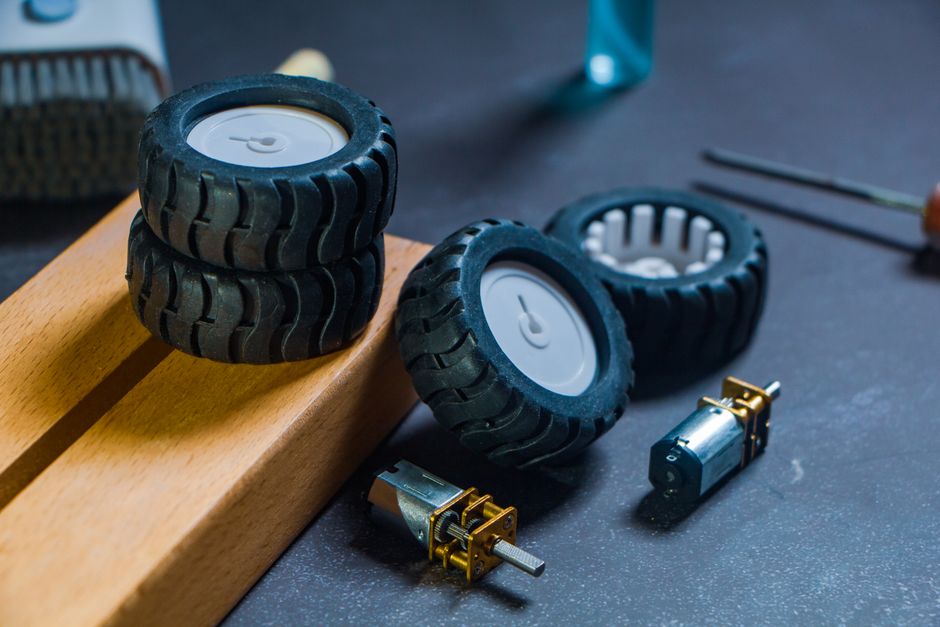
Hardware Components Included
- Programmable control board with USB connectivity for computer integration.
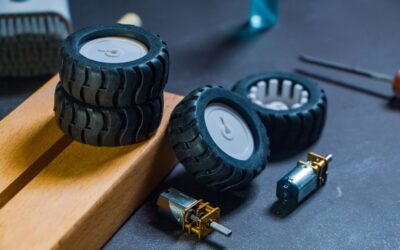
- DC motors and servo motors for movement and mechanical control.
- Light sensors, distance sensors, and touch sensors for environmental interaction.
- Structural pieces including wheels, axles, brackets, and connectors.
- Battery pack and power management system for autonomous operation.
- Detailed instruction manual with 20+ project designs and troubleshooting guides.
The sensor suite enables students to create robots that respond to their environment. Light sensors detect brightness changes. Distance sensors measure obstacles. Touch sensors register physical contact. This variety teaches students how robots perceive and interact with the world.
Software and Online Resources
Access to Thames & Kosmos’s online platform provides video tutorials, code examples, and project challenges. The Python environment is beginner-friendly, using block-based coding that transitions to text-based Python as students advance. The platform includes debugging tools and a virtual simulator where students can test code before uploading to their physical robots.
Key Takeaway: The kit combines durable hardware components with comprehensive software resources designed for progressive skill development.
How Does the Python Programming Integration Work in This Kit?
The Thames & Kosmos Robotics Workshop Python uses a tiered programming approach. Beginners start with visual block-based coding similar to Scratch, where commands are represented as draggable blocks. As confidence grows, students transition to actual Python syntax. The control board runs a lightweight Python interpreter that communicates with sensors and motors. This direct connection between code and physical action creates immediate, tangible feedback for learners.
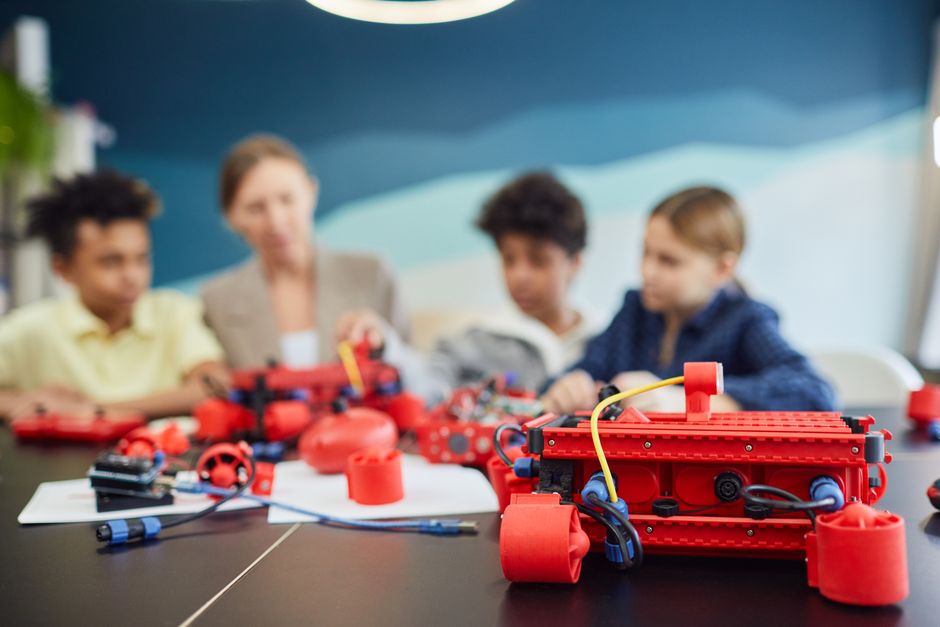
Programming Learning Path
- Level 1: Visual block-based coding for fundamental logic and control structures.
- Level 2: Introduction to Python syntax using simplified commands and guided examples.
- Level 3: Full Python programming with libraries for sensor access and motor control.
- Level 4: Advanced projects including machine learning basics and autonomous navigation.
This progression matches cognitive development stages in student learning. Younger students benefit from visual representation. Older students transition smoothly to professional-grade Python syntax. The gradual increase in complexity prevents frustration while maintaining engagement.
Code Examples and Practical Implementation
Students write actual code that controls their robots. A simple forward-movement program might look like this:
from robot import Motor

left_motor = Motor(pin=1)
right_motor = Motor(pin=2)

left_motor.forward(speed=100)
right_motor.forward(speed=100)
time.sleep(2)
left_motor.stop()
right_motor.stop()
This code demonstrates motor control, timing, and program flow. Students immediately see their robots respond. This real-world application reinforces programming concepts better than traditional classroom exercises.
Key Takeaway: The kit’s tiered Python approach transforms abstract programming concepts into visible, controllable robot actions.
What Age Groups and Skill Levels Can Use Thames & Kosmos Robotics Workshop Python?
Thames & Kosmos designs this kit for ages 10 and up, though the actual appropriate age depends on individual maturity and interest. Younger children aged 10-12 benefit from adult guidance and start with basic projects. Teenagers aged 13-18 can work independently through intermediate and advanced projects. Adults and educators also use this kit for STEM instruction and personal learning. The modular design allows customization based on skill level and available time.
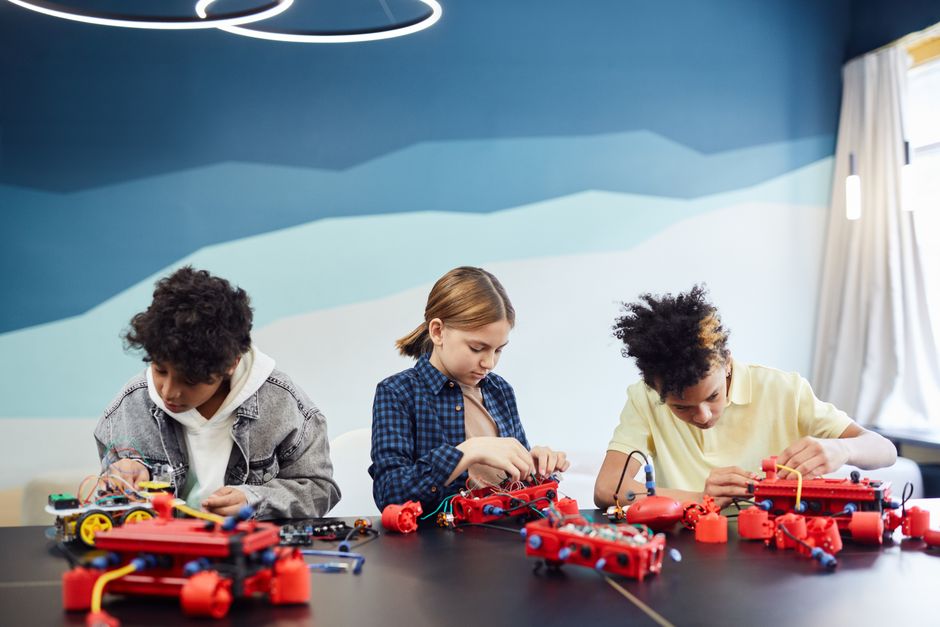
Age-Appropriate Project Recommendations
- Ages 10-12: Simple motor control, basic sensor detection, visual block-based coding only.
- Ages 13-15: Sensor integration, Python syntax introduction, autonomous navigation challenges.
- Ages 16+: Machine learning experiments, complex autonomous systems, competitive robotics projects.
- Educators: Full curriculum integration, classroom competition frameworks, assessment tools.
Parents and teachers should consider reading comprehension level and fine motor skills when determining readiness. The instruction manual uses clear language, but some projects require sustained focus and problem-solving patience.
Key Takeaway: Thames & Kosmos Robotics Workshop Python accommodates diverse ages and skill levels through flexible project design and progressive difficulty.
How Does This Kit Compare to Other Robotics Solutions in 2026?
The robotics education market in 2026 includes several strong competitors. LEGO Mindstorms focuses on visual programming and modularity. VEX Robotics emphasizes competitive applications and advanced engineering. Arduino-based kits offer maximum customization for experienced makers. Thames & Kosmos strikes a balance: it’s more beginner-friendly than Arduino kits, more advanced than basic LEGO sets, and more affordable than VEX systems.
Comparison with Other Leading Kits
- LEGO Mindstorms: Excellent for young learners; limited Python support; higher cost.
- VEX Robotics: Professional-grade; designed for competition; steep learning curve; expensive.
- Arduino Starter Kits: Maximum flexibility; requires electronics knowledge; minimal structured curriculum.
- Thames & Kosmos Python: Balanced difficulty; integrated Python pathway; comprehensive instructions; moderate price point.
Thames & Kosmos excels at providing a complete learning ecosystem. The combination of quality hardware, structured curriculum, and Python integration creates a cohesive educational experience. For students specifically interested in coding alongside robotics, this kit outperforms competitors that emphasize only visual programming.
For more comprehensive kit comparisons, see our guide on Best Robotics Kits for High School Students in 2026: Top 6 Reviewed.
Key Takeaway: Thames & Kosmos Robotics Workshop Python uniquely combines beginner accessibility with genuine Python coding in an affordable, comprehensive package.
What Are the Practical Benefits of Learning with Thames & Kosmos Robotics Workshop Python?
Students gain multiple valuable skills through this kit. Programming logic improves through hands-on coding practice. Engineering thinking develops while designing and building robots. Problem-solving skills strengthen when debugging code or troubleshooting mechanical issues. Students also develop persistence, as robotics projects often require iteration and refinement. These skills transfer directly to academic success in STEM subjects and career preparation.
Concrete Learning Outcomes
- Master Python fundamentals including variables, loops, conditionals, and functions.
- Understand sensor input/output and how robots perceive their environment.
- Learn mechanical engineering principles through hands-on robot assembly.
- Develop debugging and problem-solving methodologies through iterative testing.
- Build confidence in STEM subjects and explore potential career paths.
The immediate feedback loop accelerates learning. When code doesn’t work, students see the failure instantly and adjust. This rapid iteration cycle teaches resilience and scientific thinking more effectively than traditional classroom instruction.
Career Preparation and Academic Advancement
Python proficiency is highly valued in technology careers. Robotics experience demonstrates hands-on engineering capability. Colleges and employers recognize these skills as indicators of strong technical ability. Students who complete multiple projects using this kit develop portfolios that strengthen college applications and job prospects. The kit essentially provides real-world experience in fields that typically require formal education or internships.
Key Takeaway: Thames & Kosmos Robotics Workshop Python develops practical skills that directly support academic achievement and career readiness.
How Should You Set Up and Maintain Your Thames & Kosmos Robotics Workshop Python Kit?
Proper setup ensures optimal learning and equipment longevity. Start by reading the entire instruction manual before building. Organize all components in a clean, well-lit workspace. Charge the battery pack fully before first use. Install required software on your computer following the official Thames & Kosmos guidelines. Test all connections before beginning projects.
Setup and Maintenance Checklist
- Read the complete instruction manual and safety guidelines thoroughly.
- Inventory all components against the provided parts list to ensure nothing is missing.
- Set up a dedicated workspace with adequate lighting and minimal distractions.
- Download and install the Thames & Kosmos software suite on your computer.
- Fully charge the battery pack before initial use and after extended storage.
- Test USB connectivity between the control board and your computer.
- Clean components regularly with a dry cloth; avoid water or solvents.
- Store the kit in a cool, dry location away from direct sunlight.
Battery maintenance is critical. Store batteries partially charged if the kit won’t be used for several months. Check motor connections periodically for loose wires or corrosion. Keep the control board free from dust and moisture. Proper maintenance extends equipment life significantly and prevents frustrating technical failures during projects.
Key Takeaway: Careful setup and regular maintenance maximize learning effectiveness and preserve your investment in the kit.
What Are Common Challenges When Using Thames & Kosmos Robotics Workshop Python?
New users often encounter predictable obstacles. Code syntax errors frustrate beginners unfamiliar with Python’s strict formatting requirements. Mechanical assembly mistakes cause sensor misalignment or motor malfunction. Wireless connectivity issues occasionally prevent code upload to the robot. Understanding these common challenges helps users troubleshoot efficiently and maintain motivation.
Troubleshooting Common Issues
- Code Won’t Upload: Check USB cable connection, restart software, verify correct board selection in settings.
- Robot Moves Unpredictably: Confirm motor connections are secure, verify motor pins match code definitions, test battery voltage.
- Sensors Don’t Respond: Check sensor connections, verify sensor pins in code, test with provided diagnostic tools.
- Syntax Errors in Python: Review indentation carefully, check for missing colons or parentheses, use the IDE’s error highlighting.
- Battery Drains Quickly: Confirm battery is fully charged, check for motor short circuits, verify power management code.
The Thames & Kosmos online community provides excellent support. Experienced users and company representatives answer questions in forums. Video tutorials demonstrate solutions to common problems. Reading through existing troubleshooting threads often resolves issues faster than starting from scratch.
Key Takeaway: Anticipating common challenges and knowing where to find solutions prevents frustration and maintains engagement with the kit.
How Can You Extend Learning Beyond the Included Projects?
The kit provides 20+ structured projects, but creative learners quickly exhaust them. Design custom robots for specific tasks. Combine multiple kits to build larger systems. Integrate additional sensors from the Arduino ecosystem. Participate in online robotics competitions. Join local robotics clubs where students share projects and ideas. These extensions transform the kit from a learning tool into a platform for ongoing innovation.
Advanced Project Ideas
- Build an autonomous maze-solving robot using distance sensors and pathfinding algorithms.
- Create a line-following robot with optical sensors and PID control systems.
- Design a robot arm with multiple servo motors for object manipulation tasks.
- Develop a swarm robotics system with multiple kits communicating wirelessly.
- Implement machine learning models for image recognition or obstacle prediction.
These advanced projects require research and problem-solving beyond the manual. Students must learn new Python libraries, understand control theory concepts, and debug complex systems. This independent learning develops the self-directed skills essential for engineering careers.
Key Takeaway: Extended projects transform Thames & Kosmos Robotics Workshop Python from a structured learning kit into an open-ended innovation platform.
Is Thames & Kosmos Robotics Workshop Python Worth the Investment in 2026?
The kit typically costs between $150 and $250 depending on specific version and retailer. For this investment, students receive quality hardware, comprehensive curriculum, and access to online resources. The cost compares favorably to alternatives: LEGO Mindstorms costs more, Arduino kits require additional purchases, and VEX systems exceed $500. From a pure educational value perspective, Thames & Kosmos offers exceptional return on investment. Students develop skills that serve them throughout their education and careers.
Consider the long-term value. A single kit can engage a student for 6-12 months of regular use. Multiple students can share one kit in classroom settings, reducing per-student cost. The skills learned transfer to other STEM domains. The confidence gained often inspires deeper engagement with computer science and engineering.
Key Takeaway: Thames & Kosmos Robotics Workshop Python delivers exceptional educational value and skill development relative to its moderate cost.
Frequently Asked Questions
What computer operating systems does Thames & Kosmos Robotics Workshop Python support?
The kit supports Windows 10/11, macOS 10.14 and newer, and Linux distributions. USB connectivity works across all platforms. The online coding environment is browser-based and platform-independent. Check the official Thames & Kosmos website for specific version requirements and compatibility details before purchasing.
Can multiple students use one Thames & Kosmos Robotics Workshop Python kit simultaneously?
Yes, the kit accommodates collaborative learning. Multiple students can work on one robot together, taking turns programming and testing. Some teachers use multiple kits for group competitions. The modular design allows students to build different robot configurations simultaneously if enough components are available.
Does the Thames & Kosmos Robotics Workshop Python kit require internet connection for operation?
Internet is required for initial software download and to access online tutorials. However, once software is installed, robots can operate offline. The control board stores uploaded code and functions independently. Internet is helpful for troubleshooting and accessing community resources but not essential for basic operation.
What Python version does the Thames & Kosmos kit use?
The kit uses Python 3.6 or newer, aligning with current industry standards. Code written for the kit is compatible with standard Python libraries. This ensures students learn genuine Python applicable to professional development, not a proprietary variant. Documentation specifies exact version requirements.
How long do projects typically take to complete with Thames & Kosmos Robotics Workshop Python?
Beginner projects take 1-3 hours. Intermediate projects require 3-6 hours. Advanced projects can span multiple sessions over weeks. Time varies based on student experience and project complexity. The kit accommodates both quick weekend projects and extended learning goals.
Is adult supervision required when using Thames & Kosmos Robotics Workshop Python?
For ages 10-12, adult guidance is recommended, especially during initial setup. Ages 13+ can work independently with occasional adult support. The kit contains no hazardous chemicals or sharp components. Standard safety practices apply: avoid water near electronics and keep small parts away from young children.
Should You Choose Thames & Kosmos Robotics Workshop Python for Your STEM Learning in 2026?
Thames & Kosmos Robotics Workshop Python represents an excellent choice for students seeking integrated robotics and programming education. The kit balances accessibility for beginners with depth for advanced learners. Quality hardware, comprehensive curriculum, and genuine Python coding create a complete learning ecosystem. The moderate price point makes it accessible to individual students and educational institutions. For anyone interested in exploring robotics, computer science, or engineering, this kit provides genuine value and skill development that extends far beyond the included projects.
The 2026 version incorporates community feedback and modern educational best practices. Students who complete projects with this kit develop marketable skills, academic confidence, and often discover passion for STEM careers. Whether you’re a student exploring new interests, a parent seeking meaningful educational tools, or an educator building a robotics program, Thames & Kosmos Robotics Workshop Python delivers tangible learning outcomes and engagement.
Start with the foundational projects, progress through intermediate challenges, and extend into custom applications. The skills you develop—Python programming, engineering thinking, problem-solving, and persistence—serve you throughout your education and career. Thames & Kosmos Robotics Workshop Python isn’t just a toy; it’s an investment in genuine capability and future opportunity.
Key Takeaway: Thames & Kosmos Robotics Workshop Python combines quality hardware, genuine Python education, and comprehensive curriculum to deliver exceptional STEM learning value in 2026.





Write Your Review
No reviews yet. Be the first to share your experience!